


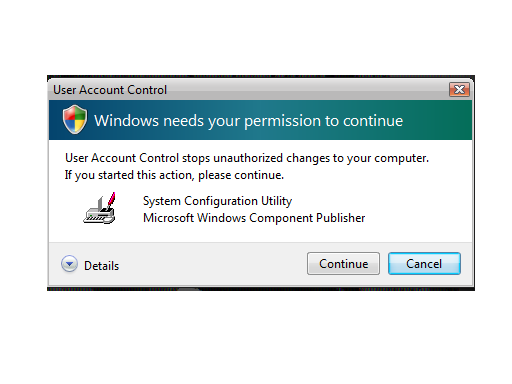
So to prevent that pop up do the following:-
1]Press Win Key+R to open the Run Menu.
2]In the Run,type Msconfig and click OK.
3]Now click Tools in tthe System Configuration window.
4]Scroll down to Disable Usr Account Protection (UAP).Highlight/select that.
5]Click Launch tab.Click OK.
6]Reboot.

0 comments:
Post a Comment