Windows Vista Support

  • Subscribe to our RSS feed.
  • Twitter
  • StumbleUpon
  • Reddit
  • Facebook
  • Digg

Saturday, 31 December 2005

Service comparison between XP SP1 and XP SP2

Posted on 03:14 by Unknown
Alerter service :SP1= manual :SP2=Disabled
Clip book service:SP1=Manual:SP2=Disabled

Logical Disk Manager:SP1=Manual in XP Home but Automatic in XP Pro:SP2=Both Automatic

Messenger:SP1=Automatic:SP2=Disabled

Network DDE:SP1=Manual:SP2=Disabled

Network DDE DSDM:SP1=Manual:SP2=Disabled

Portable Media Serial Number Service:SP1=Automatic sp2:Manual

Telnet:XP Home=N/A;XP PRO SP1=Manual XP PRO SP2=Disable

Added in SP2:-

DCOM Server Process Launcher:Automatic

HTTP SSL:Manual

Network Provisioning Service:Manual

Services changed:-
Internet Connection Firewall (ICF) / Internet Connection Sharing (ICS) > Windows Firewall/Internet Connection Sharing

IPv6 Internet Connection Firewall>Now part of Windows Firewall/Internet Connection Sharing

The Smart Card service was changed in SP2 and the Smart Card Helper service was removed.

Upload Manager was automatic in SP1 but Removed in SP2. I suspect this was removed due to an update in BITS.


Windows Firewall/Internet Connection Sharing (ICS)>Automatic

Further Reference:-
Default settings for services
http://www.microsoft.com/resources/documentation/windows/xp/all/proddocs/en-us/sys_srv_default_settings.mspx
Read More
Posted in | No comments

Wednesday, 28 December 2005

How to turn on or off Automatic Image Resizing

Posted on 19:06 by Unknown

Introduction:-IE6 and later version has an Auto Image Resize feature which automatically resizes a large graphic to fit within the current browser window.

How to turn on or off Automatic Image Resizing:-
Automatic Image Resizing is turned on by default. But you can turn it on and off.
1.Open Internet Explorer

2.On the Tools menu, click Internet Options..
Click the Advanced tab, and then scroll down to the Multimedia section.

3.Select or clear the Enable Automatic Image Resizing check box.

Read More
Posted in | No comments

Tuesday, 27 December 2005

How to Disable Netwok Task Scheduler

Posted on 07:00 by Unknown
Utlity of this tweak:-
It disables searching networked computers for scheduled tasks as a result helps in faster browsing.

How to:-

Start>Run>Regedit>ok

now navigate to the following key:-
HKEY_LOCAL_MACHINE\SOFTWARE\Microsoft\Windows\CurrentVersion\Explorer\RemoteComputer\NameSpace\and delete this key:{D6277990-4C6A-11CF-8D87-00AA0060F5BF}
Read More
Posted in | No comments

Tuesday, 20 December 2005

System Idle Process @ 98%

Posted on 04:14 by Unknown
The Problem:- I am running Windows XP Home and the System Idle process seems to be at 98% ; is there a problem?

Resolution:- The System Idle Process doesn't do anything, its just what the cpu does when its not doing anything. If the system idle process is at 98% it doesn't mean your processor is 98% busy with the system idle process hogging it,thus it's actually 2% busy.
Read More
Posted in | No comments

Sunday, 18 December 2005

Copy and Paste functions do not work

Posted on 19:18 by Unknown
The Problem:- The Copy and Paste functions do not work at all, no matter what application I'm copying from or pasting into.

Cause:- It happens if some application that's having a lock over the Windows Clipboard.

Resolution:-Download GetOpenClipboardWindow.zip from:-http://windowsxp.mvps.org/temp/GetOpenClipboardWindow.zip Unzip and run the tool.

Credit goes to David Candy for developing this utility.
Read More
Posted in | No comments

Thursday, 15 December 2005

Another method to launch Task Manager

Posted on 19:35 by Unknown
We all know that pressing [CTRL]+[ALT]+[DEL ] keys launches Task Manager.But you can do the same by pressing [CTRL]+[Shift]+[ESC] keys.
Read More
Posted in | No comments

How To Remove Shortcut Arrows

Posted on 19:19 by Unknown
Query:-How do I remove shortcut arrows?

Resolution:-
Download and install Tweak UI:- http://www.microsoft.com/windowsxp/downloads/powertoys/xppowertoys.mspx Open Tweak UI and expand Explorer.Highlight Shortcut and select None under Shortcut overlay.Click OK/Apply. But removing shortcut arrows will be a risky affair.
Read More
Posted in | No comments

Saturday, 10 December 2005

How to remove Quicktime icon from the System tray

Posted on 07:09 by Unknown
The Problem:-I don't want to see Quicktime icon in the notification area or system tray.How can I remove it?

Resolution:- If you don't want to see it in the system tray:- Right-Click on the icon>Preferences>Browser Plugin from the drop down >Uncheck "QuickTime system tray icon" checkbox.
Read More
Posted in | No comments

How to Enable or Disable Print Job Notification Messages

Posted on 06:47 by Unknown
Introduction:-By default XP notifies a user with a popup message that the print job has been completed on the printer.This may be an annoying pop up to certain users.

How to disable "the document is being printed" balloon or,pop up message:-

To disable this balloon message,click Start,go to Printers and Faxes,click File ,select Server Properties ,click Advanced tab.Here you uncheck the boxes against:-
"Show informational notifications for local printers" and
"Show informational notifications for network printers"
Click Ok/Apply.

How To Enable or,Disable this pop up through the Registry:-

Start>Run>Regedit>OK

Now navigate to the following registry location:-
HKEY_LOCAL_MACHINE\SYSTEM\CurrentControlSet\Control\Print\Providers

Highlight Providers and find out a Value Name: "NetPopup" in the right pane.If it is not there then create a new DWORD value:-"NetPopup"
Now set the value data as below:-
0=disabled
1=enabled

Close the registry editor ;restart the spooler service and reboot the system.

Furthere Reference:-
How To Enable or Disable Print Job Notifications in Windows XP
http://support.microsoft.com/kb/308217/
Read More
Posted in | No comments

Wednesday, 7 December 2005

Desktop icons now underlined

Posted on 06:41 by Unknown
The Problem:-The desktop icons are underlined.

Cause:-This happens if single-click to open an item (point to select) option is enabled under the Folder options.

Resolution:-Open Control Panel>Folder Options>Under the General tab>Click items as follows> Select Double-click to open an item (single-click to select) >Click OK/Apply.
Read More
Posted in | No comments

File "MDATA.DAT" not found

Posted on 06:27 by Unknown
The Problem:- When I start my PC, I get a message which says: ERROR File "MDATA.DAT" not found

Cause:- This could be related to the mouse.

Resolution:- Try uninstalling any software related to the mouse through the Add or Remove programs. Reconnect the mouse, restart and update the mouse driver.
Read More
Posted in | No comments

Monday, 5 December 2005

"a cabinet file nessesary for installion cannot be trusted" error during DirectX 9.0c installatiion

Posted on 20:11 by Unknown
The Problem:-whenever I try to install DirectX 9.0c, it pops up the following message:-"a cabinet file nessesary for installion cannot be trusted."

Cause:-This problem happens in most cases due to system corruption or if users disabling their cryptography services.

Resolution:-Make sure your Cryptography services are enabled.To do this:-

1]Click Start>Run>Type services.msc>OK
2]Now in the Services(Local) list scroll down to Cryptographic Services.
3]Right click on it and select Properties;make sure that the Stratup type of this service is Automatic.If not make it Automatic
4]Also make sure that this service has strated;if not then click the Start button.
5]Apply/Ok.

Make sure to remove temporary files in %temp% and (if installing end-user runtime)%windir%\system32\directx\websetup Error.

Other things to do:-

Chkdsk the drive.
Scan your system with latest versions of Spybot,Search and Destroy,CWShredder as well as with Adaware.Run all of them in safe mode.
Free online scan is available here:-http://housecall.trendmicro.com/
Also make sure that you are downloading DirectX 9.0c from a trust worthy site,i.e.-http://www.microsoft.com/windows/directx/default.aspx
Read More
Posted in | No comments

ClearIECache.msi

Posted on 08:21 by Unknown


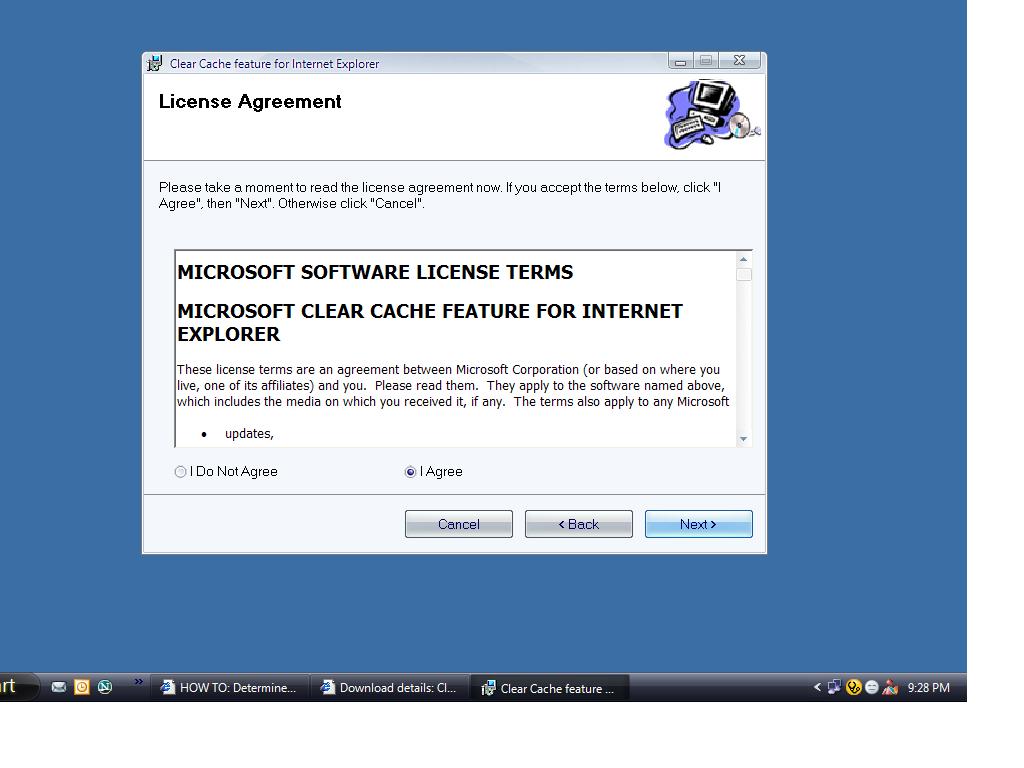
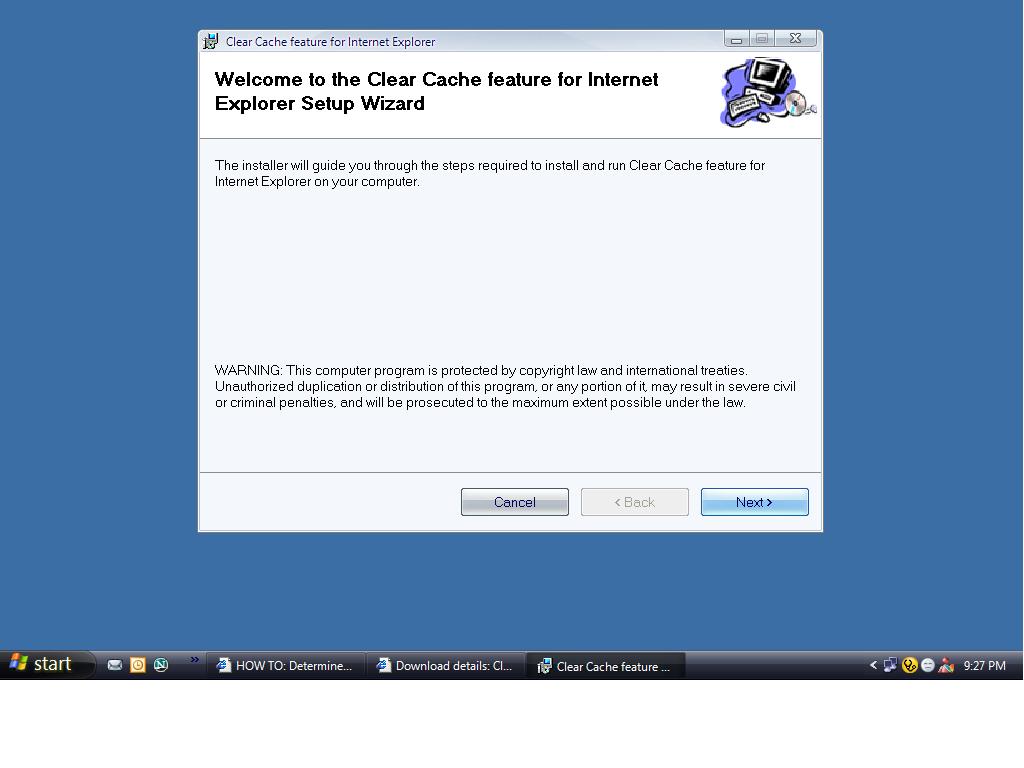
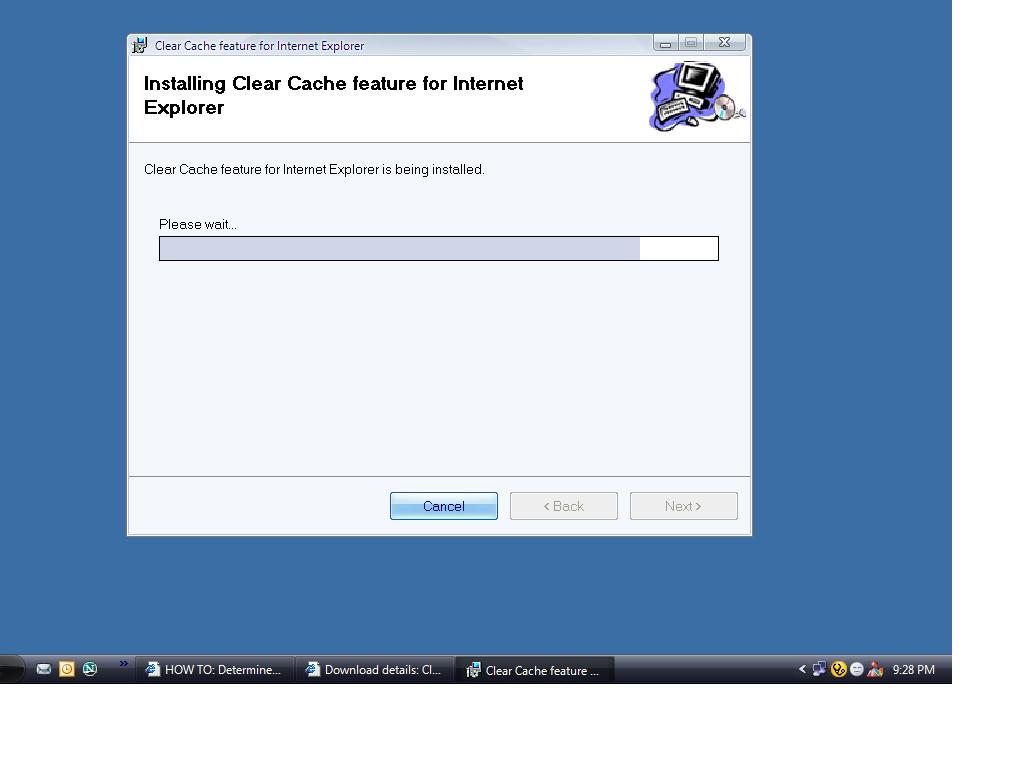
This is a program which is intended to automatically delete all temporary Internet files, cookies, and history files when it is installed and executed. The program was developed programmatically clear these files when a corrupt entry caused errors with Internet Explorer.

This program was released by Microsoft on 28th November,2005.It's a 187kb file.

Supported Operating Systems: Windows XP Service Pack 1
Microsoft Internet Explorer 6.0 and later.

Download:-http://www.microsoft.com/downloads/details.aspx?familyid=5cbd4659-3b28-4801-8729-05335902ce79&displaylang=en
Read More
Posted in | No comments

Sunday, 4 December 2005

sfc /scannow runs at every restart

Posted on 05:20 by Unknown
The Problem:- I went to run and type cmd and then type sfc /scannow it ran but now every time I restart my pc it comes back up and runs again how do I stop this?

Resolution:- The /REVERT switch is used to turn off SFC. SFC /REVERT command, which will prevent SFC from running at boot up.
Read More
Posted in | No comments

Uanable to load btrez.dll

Posted on 05:02 by Unknown
The Problem:- When trying to get acces to 'Control Panel' I get the message 'Unable to load btrez.dll' and the windows freezes.

Resolution:- It's a Bluetooth Software Resource DLL.If you use bluetooth then update the driver and if you don't use then disable bluetooth.

Further Information on btrez.dll:-
http://www.filename.info/f/btrez.dll.html
Read More
Posted in | No comments
Newer Posts Older Posts Home
Subscribe to: Comments (Atom)

Popular Posts

  • 16 Bit Windows Subsystem Error
    The problem:- 16-bit MS-DOS Subsystem path to the program that you are trying to start or install C:\Windows\System32\config.nt The system ...
  • Only Wallpaper Appears
    The Problem:- My computer starts up okay with the, then the windows XP logo, then the blue "welcome" logo, but then only wallpape...
  • Internet Explorer 7 (IE7) Release Candidate 1 (RC1)
    Internet Explorer 7 (IE7) Release Candidate 1 (RC1) has been designed to make everyday tasks easier, provide dynamic security protection and...
  • Group Policy Control-Information bar XPSP2
    One can control the information bar behaviour through the group policy also. For Active X controls:- Start>Run>Type in: gpedit.msc ...
  • DRM
    What is Windows Media DRM? 'Microsoft Windows Media digital rights management (DRM) is a flexible platform that makes it possible to pro...
  • The Fastest Browser;Google Chrome
    This is something every one wants to know. Well Google Chrome(beta) is the fastest browser I have ever used.It's too light and really bl...
  • Turning Off Automatic Updates
    In Microsoft Public Windows XP General News Group,I was going through a starge request-"Accidentally XP SP2 has been downloaded and...
  • The Secuirty Folder Under the Event Viewer is empty
    The Problem:- In the event viewer I can see all the Application folder full of events and System folder full of events but there is nothing...
  • 'Go' Button missing in Internet Explorer
    The Problem:- The Go button may be missing from the Address bar in Internet Explorer. Cause:- May be the 'Go' button has been disabl...
  • How to register dll files in XP
    Regsvr32 This command-line tool registers .dll files as command components in the registry. Start > Run > Regsvr32 then a space, and ...

Blog Archive

  • ►  2008 (12)
    • ►  October (1)
    • ►  September (4)
    • ►  August (1)
    • ►  April (1)
    • ►  March (4)
    • ►  January (1)
  • ►  2007 (47)
    • ►  December (4)
    • ►  July (1)
    • ►  June (3)
    • ►  April (1)
    • ►  March (15)
    • ►  February (11)
    • ►  January (12)
  • ►  2006 (212)
    • ►  December (12)
    • ►  November (19)
    • ►  October (24)
    • ►  September (13)
    • ►  August (10)
    • ►  July (31)
    • ►  June (21)
    • ►  May (10)
    • ►  April (19)
    • ►  March (12)
    • ►  February (16)
    • ►  January (25)
  • ▼  2005 (101)
    • ▼  December (15)
      • Service comparison between XP SP1 and XP SP2
      • How to turn on or off Automatic Image Resizing
      • How to Disable Netwok Task Scheduler
      • System Idle Process @ 98%
      • Copy and Paste functions do not work
      • Another method to launch Task Manager
      • How To Remove Shortcut Arrows
      • How to remove Quicktime icon from the System tray
      • How to Enable or Disable Print Job Notification Me...
      • Desktop icons now underlined
      • File "MDATA.DAT" not found
      • "a cabinet file nessesary for installion cannot be...
      • ClearIECache.msi
      • sfc /scannow runs at every restart
      • Uanable to load btrez.dll
    • ►  November (10)
    • ►  October (20)
    • ►  September (11)
    • ►  August (6)
    • ►  July (2)
    • ►  June (11)
    • ►  May (1)
    • ►  April (5)
    • ►  March (5)
    • ►  February (8)
    • ►  January (7)
  • ►  2004 (21)
    • ►  December (3)
    • ►  November (11)
    • ►  October (7)
Powered by Blogger.

About Me

Unknown
View my complete profile