Windows Vista Support

  • Subscribe to our RSS feed.
  • Twitter
  • StumbleUpon
  • Reddit
  • Facebook
  • Digg

Monday, 5 December 2005

ClearIECache.msi

Posted on 08:21 by Unknown


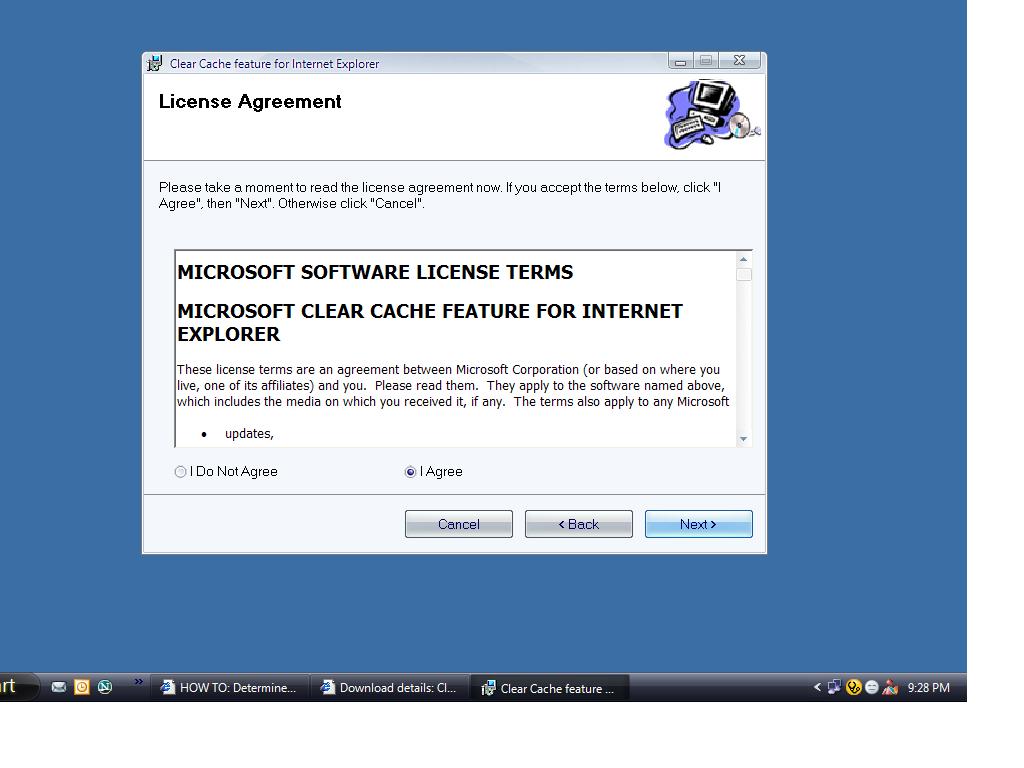
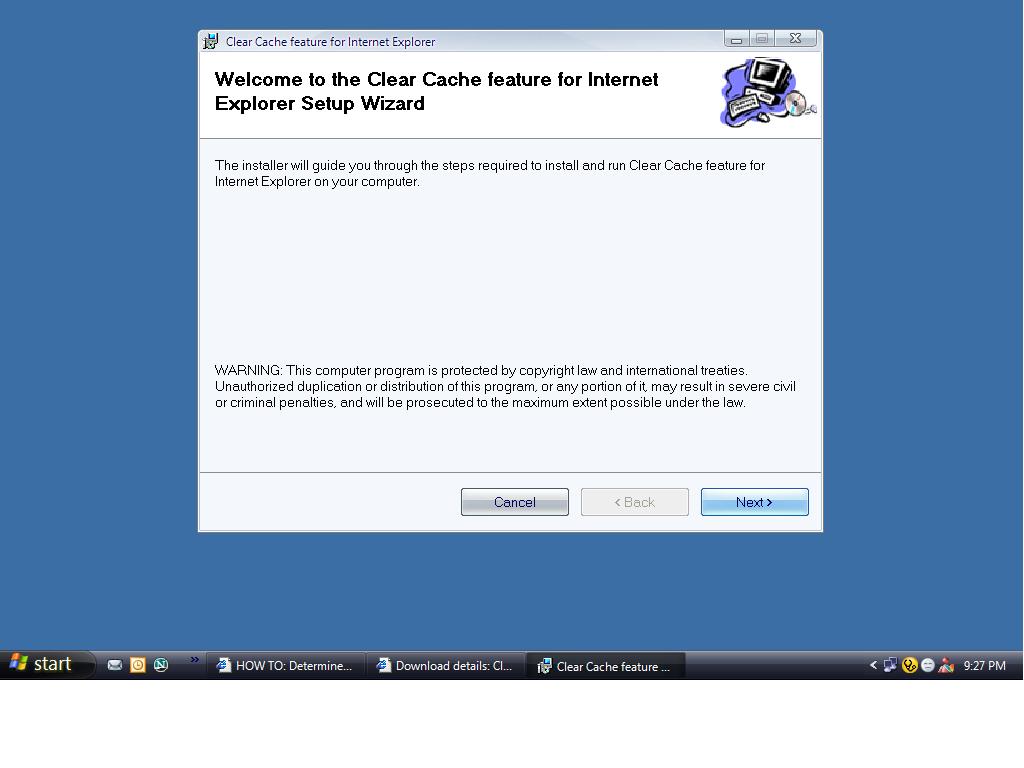
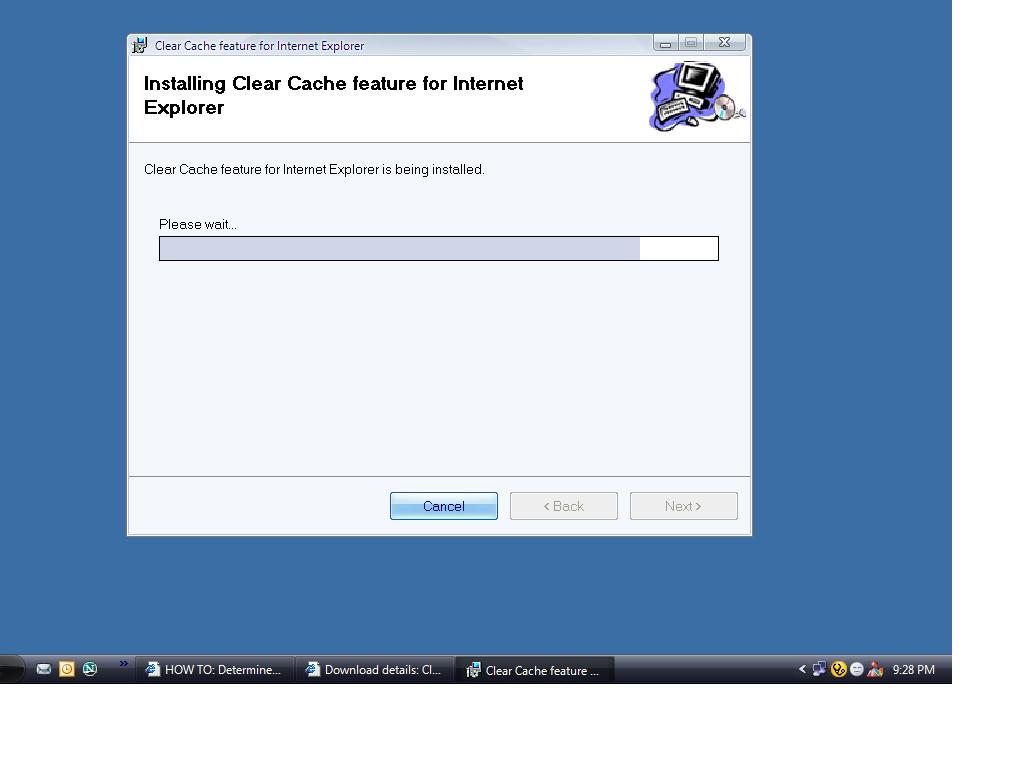
This is a program which is intended to automatically delete all temporary Internet files, cookies, and history files when it is installed and executed. The program was developed programmatically clear these files when a corrupt entry caused errors with Internet Explorer.

This program was released by Microsoft on 28th November,2005.It's a 187kb file.

Supported Operating Systems: Windows XP Service Pack 1
Microsoft Internet Explorer 6.0 and later.

Download:-http://www.microsoft.com/downloads/details.aspx?familyid=5cbd4659-3b28-4801-8729-05335902ce79&displaylang=en
Email ThisBlogThis!Share to XShare to FacebookShare to Pinterest
Posted in | No comments
Newer Post Older Post Home

0 comments:

Post a Comment

Subscribe to: Post Comments (Atom)

Popular Posts

  • 16 Bit Windows Subsystem Error
    The problem:- 16-bit MS-DOS Subsystem path to the program that you are trying to start or install C:\Windows\System32\config.nt The system ...
  • Only Wallpaper Appears
    The Problem:- My computer starts up okay with the, then the windows XP logo, then the blue "welcome" logo, but then only wallpape...
  • Internet Explorer 7 (IE7) Release Candidate 1 (RC1)
    Internet Explorer 7 (IE7) Release Candidate 1 (RC1) has been designed to make everyday tasks easier, provide dynamic security protection and...
  • Group Policy Control-Information bar XPSP2
    One can control the information bar behaviour through the group policy also. For Active X controls:- Start>Run>Type in: gpedit.msc ...
  • DRM
    What is Windows Media DRM? 'Microsoft Windows Media digital rights management (DRM) is a flexible platform that makes it possible to pro...
  • The Fastest Browser;Google Chrome
    This is something every one wants to know. Well Google Chrome(beta) is the fastest browser I have ever used.It's too light and really bl...
  • Turning Off Automatic Updates
    In Microsoft Public Windows XP General News Group,I was going through a starge request-"Accidentally XP SP2 has been downloaded and...
  • The Secuirty Folder Under the Event Viewer is empty
    The Problem:- In the event viewer I can see all the Application folder full of events and System folder full of events but there is nothing...
  • 'Go' Button missing in Internet Explorer
    The Problem:- The Go button may be missing from the Address bar in Internet Explorer. Cause:- May be the 'Go' button has been disabl...
  • How to register dll files in XP
    Regsvr32 This command-line tool registers .dll files as command components in the registry. Start > Run > Regsvr32 then a space, and ...

Blog Archive

  • ►  2008 (12)
    • ►  October (1)
    • ►  September (4)
    • ►  August (1)
    • ►  April (1)
    • ►  March (4)
    • ►  January (1)
  • ►  2007 (47)
    • ►  December (4)
    • ►  July (1)
    • ►  June (3)
    • ►  April (1)
    • ►  March (15)
    • ►  February (11)
    • ►  January (12)
  • ►  2006 (212)
    • ►  December (12)
    • ►  November (19)
    • ►  October (24)
    • ►  September (13)
    • ►  August (10)
    • ►  July (31)
    • ►  June (21)
    • ►  May (10)
    • ►  April (19)
    • ►  March (12)
    • ►  February (16)
    • ►  January (25)
  • ▼  2005 (101)
    • ▼  December (15)
      • Service comparison between XP SP1 and XP SP2
      • How to turn on or off Automatic Image Resizing
      • How to Disable Netwok Task Scheduler
      • System Idle Process @ 98%
      • Copy and Paste functions do not work
      • Another method to launch Task Manager
      • How To Remove Shortcut Arrows
      • How to remove Quicktime icon from the System tray
      • How to Enable or Disable Print Job Notification Me...
      • Desktop icons now underlined
      • File "MDATA.DAT" not found
      • "a cabinet file nessesary for installion cannot be...
      • ClearIECache.msi
      • sfc /scannow runs at every restart
      • Uanable to load btrez.dll
    • ►  November (10)
    • ►  October (20)
    • ►  September (11)
    • ►  August (6)
    • ►  July (2)
    • ►  June (11)
    • ►  May (1)
    • ►  April (5)
    • ►  March (5)
    • ►  February (8)
    • ►  January (7)
  • ►  2004 (21)
    • ►  December (3)
    • ►  November (11)
    • ►  October (7)
Powered by Blogger.

About Me

Unknown
View my complete profile